
IPTV on Android TV
Set up Luno IPTV on any Android TV or Google TV device in minutes. TiviMate and IBO Player Pro both work natively, no sideloading needed.
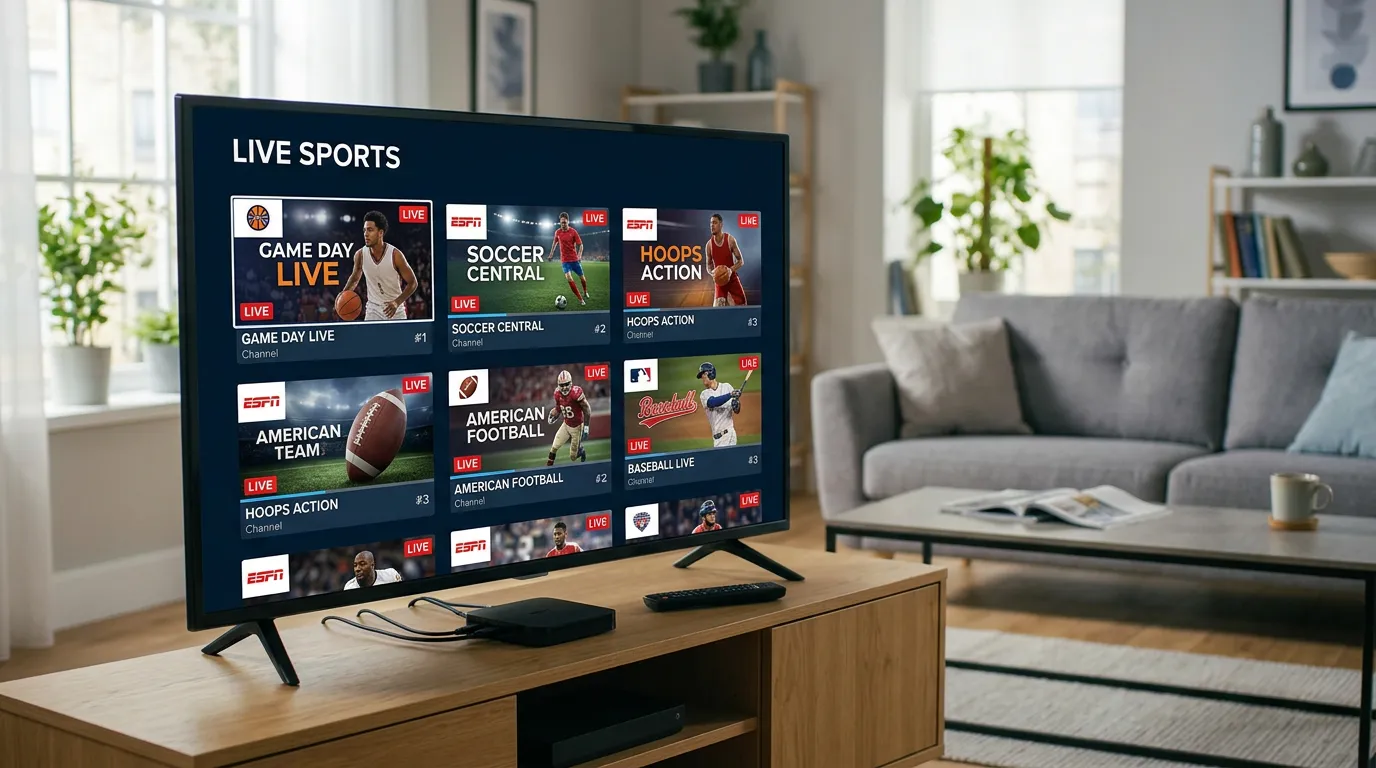
Setup Guide
On your Android TV or Google TV device, navigate to the Google Play Store. This is available on all Android TV devices including Nvidia Shield, Chromecast with Google TV, Sony Bravia with Google TV, and Xiaomi TV boxes.
Search for 'TiviMate' in Google Play. TiviMate is the top-rated IPTV player for Android TV with a 4.6-star rating. It's free with a $4.99/year companion app for advanced features. Alternatively, search 'IBO Player Pro' for a free option.
Launch TiviMate, tap 'Add Playlist', then select 'Xtream Codes API'. Enter your Luno IPTV server URL, username, and password from your activation email.
TiviMate downloads your complete 26,000+ channel list and EPG guide. On a fast connection this takes under a minute. You'll see channels organized by country, sports, movies, and series automatically.
Add favorite channels to your personal list, enable catch-up TV for replays, and set up the EPG refresh schedule. TiviMate supports up to 4 simultaneous streams, so you can watch the game on the main TV while the kids stream on a tablet.
Why Android TV is the Most Flexible IPTV Platform
- TiviMate, the best IPTV app available, is Android TV exclusive and can't be installed on Apple TV or Samsung Tizen
- Google Play Store access means no sideloading: install IPTV apps like any other Android app
- Nvidia Shield Pro runs 4K HDR at 60fps and handles large channel lists faster than any other IPTV device
- Chromecast with Google TV provides a budget-friendly entry point at $49.99 with full 4K and Dolby Vision
- Sideloading support means you can install any APK, giving access to IPTV apps not on the Play Store
Android TV IPTV - Common Questions
Install TiviMate or IBO Player Pro from the Google Play Store on your Android TV device. Open the app, select 'Add Playlist via Xtream Codes', then enter your Luno IPTV server URL, username, and password. Your 26,000+ channels appear within 60 seconds.
Yes. TiviMate is exclusively available on Android-based devices via the Google Play Store. It's not available on Apple TV, Samsung Tizen, or LG webOS. This is one of the strongest reasons to choose an Android TV device for IPTV.
The Nvidia Shield TV Pro is the best overall at $199.99, with an octa-core processor that handles 4K streams and large channel lists without any slowdown. For budget options, the Chromecast with Google TV ($49.99) or Xiaomi Mi Box S ($59.99) both work very well for 4K IPTV.
Yes. Android TV supports APK sideloading via the Downloader app or a file manager. This means you can install IPTV apps that aren't in the Google Play Store. However, for Luno IPTV, you don't need to sideload anything because TiviMate and IBO Player Pro are both on the Play Store.
Yes. Chromecast with Google TV runs the same Android TV OS and supports all the same IPTV apps. The 4K model ($49.99) streams in 4K HDR and runs TiviMate without issues. It's one of the best value IPTV devices available.
Popular Android TV Devices for IPTV
Which Android TV device gives you the best IPTV experience at each price point.
| Device | Price | Max Resolution | TiviMate | Best For |
|---|---|---|---|---|
| Chromecast with Google TV HD | $29.99 | 1080p | Yes | Budget streaming |
| Chromecast with Google TV 4K | $49.99 | 4K HDR | Yes | 4K on a budget |
| Xiaomi Mi Box S | $59.99 | 4K HDR | Yes | Value Android TV box |
| Nvidia Shield TV | $149.99 | 4K HDR10+ | Yes | Power users, no buffering |
| Nvidia Shield TV Pro | $199.99 | 4K Dolby Vision | Yes | Best IPTV device overall |
Android TV IPTV Setup Requirements
- Any Android TV or Google TV device (2018 or newer recommended)
- Google account for Play Store access
- WiFi or Ethernet: 25 Mbps for HD, 50 Mbps for 4K
- Luno IPTV Xtream Codes credentials from your activation email
- TiviMate (recommended) or IBO Player Pro from Google Play
TiviMate: The Android TV IPTV Advantage
TiviMate is only available on Android TV and Android phones. It's widely considered the best IPTV player ever built, with features like multi-stream view, 7-day catch-up TV, parental controls, and the cleanest EPG interface of any IPTV app. If you're on the fence between Android TV and another platform, TiviMate alone is a good reason to go Android.