
IPTV on Apple TV
Set up Luno IPTV on Apple TV 4K in under 5 minutes. Dolby Vision and 4K HDR on Apple TV 4K 2nd and 3rd generation.
Setup Guide
Press the TV button on your Siri Remote, navigate to the App Store icon in the tvOS home screen.
In the App Store search, type 'IBO Player Pro'. Download IBO Player Pro (the paid version, around $4.99) for the full feature set including EPG and multi-stream support. Alternatively, search for 'Flex IPTV' for a free option.
Launch the app and select 'Add User' or 'Login with Xtream Codes'. You can also use the M3U playlist option if you prefer.
Enter your username, password, and server URL from your Luno IPTV activation email. For M3U method: paste the M3U URL directly. The app loads all 26,000+ channels within 30 seconds.
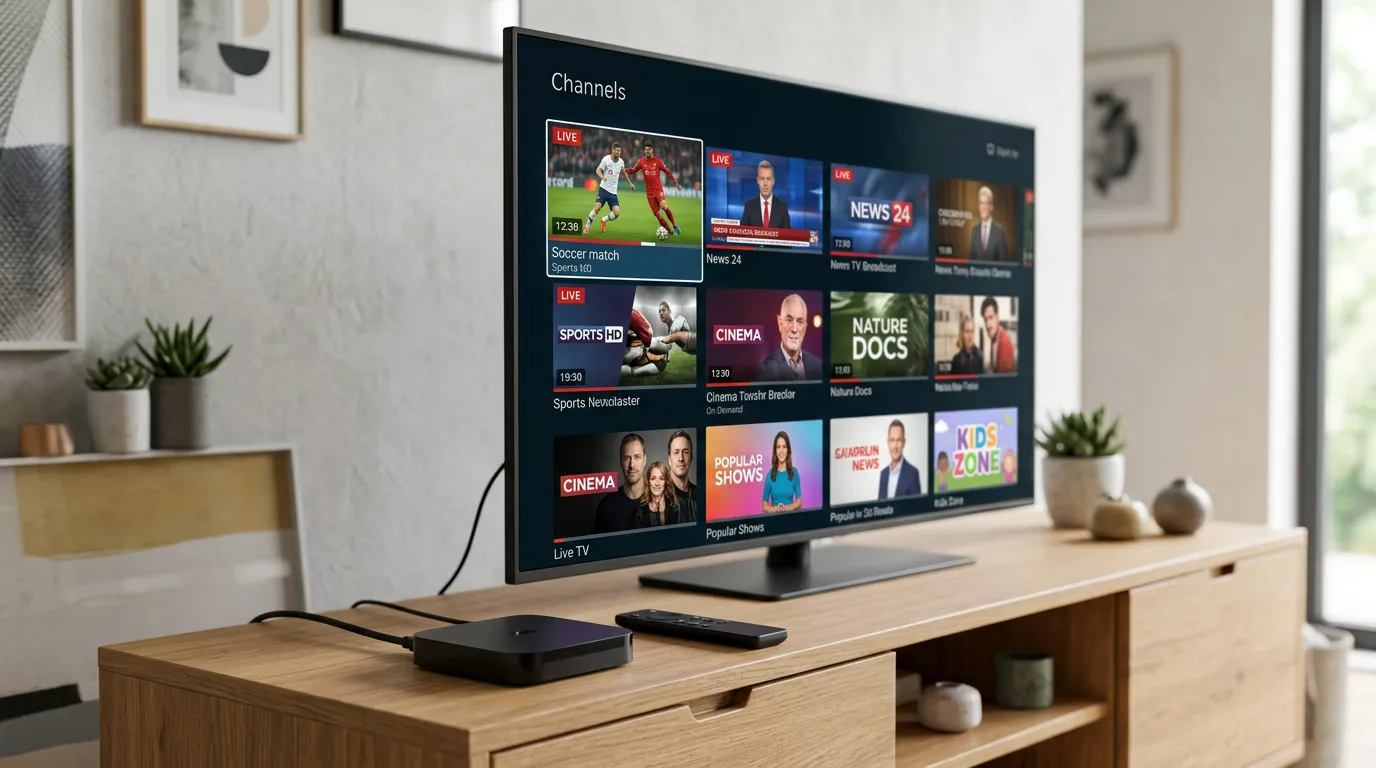
Channels are organized by category automatically. Live sports, movies, and series appear in separate tabs. Apple TV's smooth tvOS interface makes browsing 26,000+ channels fast and intuitive.
Why Apple TV is a Premium IPTV Experience
- Apple TV 4K (3rd gen) supports Dolby Vision, Dolby Atmos, and HDR10+ for the sharpest sports picture available
- A15 Bionic chip handles 4K streams without any processing lag or dropped frames
- Siri voice control works for app navigation, and you can ask Siri to open IPTV apps directly
- AirPlay 2 lets you mirror content from your iPhone or iPad to Apple TV if needed
- Thread networking and WiFi 6 on the 3rd gen model means near-zero buffering on fast home networks
Apple TV IPTV - Common Questions
Open the tvOS App Store and search for 'IBO Player Pro' or 'Flex IPTV'. Install your preferred app, then enter your Luno IPTV Xtream Codes credentials (username, password, server URL from your activation email). Channels load in about 30 seconds.
IBO Player Pro is the top recommendation for Apple TV. It handles large channel lists cleanly, has a proper EPG TV guide, supports multiple streams, and runs smoothly on all Apple TV 4K models. Flex IPTV is a solid free alternative for basic streaming.
Yes, on Apple TV 4K 2nd generation (2021) and 3rd generation (2022). Both support Dolby Vision at up to 4K 60fps. The 4K (1st gen, 2017) supports 4K HDR but not Dolby Vision. Luno IPTV streams in 4K where the source content supports it.
Yes. Apple TV HD (4th gen, released 2015) runs all current IPTV apps from the App Store, including IBO Player Pro. It maxes out at 1080p rather than 4K, but the streaming quality is still excellent for HD content.
Use an Ethernet connection if your Apple TV is near your router. Apple TV 4K (3rd gen) supports WiFi 6, which dramatically reduces loading times. Inside IBO Player Pro settings, try switching the EPG load interval from 'on startup' to 'every 6 hours' to reduce background bandwidth usage.
Apple TV Model Comparison for IPTV
All Apple TV models support IPTV apps, but capabilities differ significantly by generation.
| Model | Chip | Max Resolution | Dolby Vision | IPTV Performance |
|---|---|---|---|---|
| Apple TV HD (2015) | A8 | 1080p | No | Good for HD channels |
| Apple TV 4K (1st gen, 2017) | A10X | 4K HDR | No | Great for 4K sports |
| Apple TV 4K (2nd gen, 2021) | A12 | 4K HDR10+ | Yes | Excellent, smooth EPG |
| Apple TV 4K (3rd gen, 2022) | A15 | 4K Dolby Vision | Yes | Best IPTV experience available |
What You Need
- Apple TV 4K or Apple TV HD (any generation)
- Apple ID for downloading apps from the App Store
- Broadband internet: 25 Mbps for HD, 50 Mbps for 4K
- Luno IPTV subscription or free 24 hours trial
- IBO Player Pro or Flex IPTV from the tvOS App Store
IBO Player Pro vs Flex IPTV on Apple TV
IBO Player Pro ($4.99) is the more feature-rich option with a better EPG and picture-in-picture. Flex IPTV is free and works fine for basic streaming. If you watch a lot of live sports and want to track schedules, the IBO Player Pro investment is worth it.