IPTV on Fire Stick
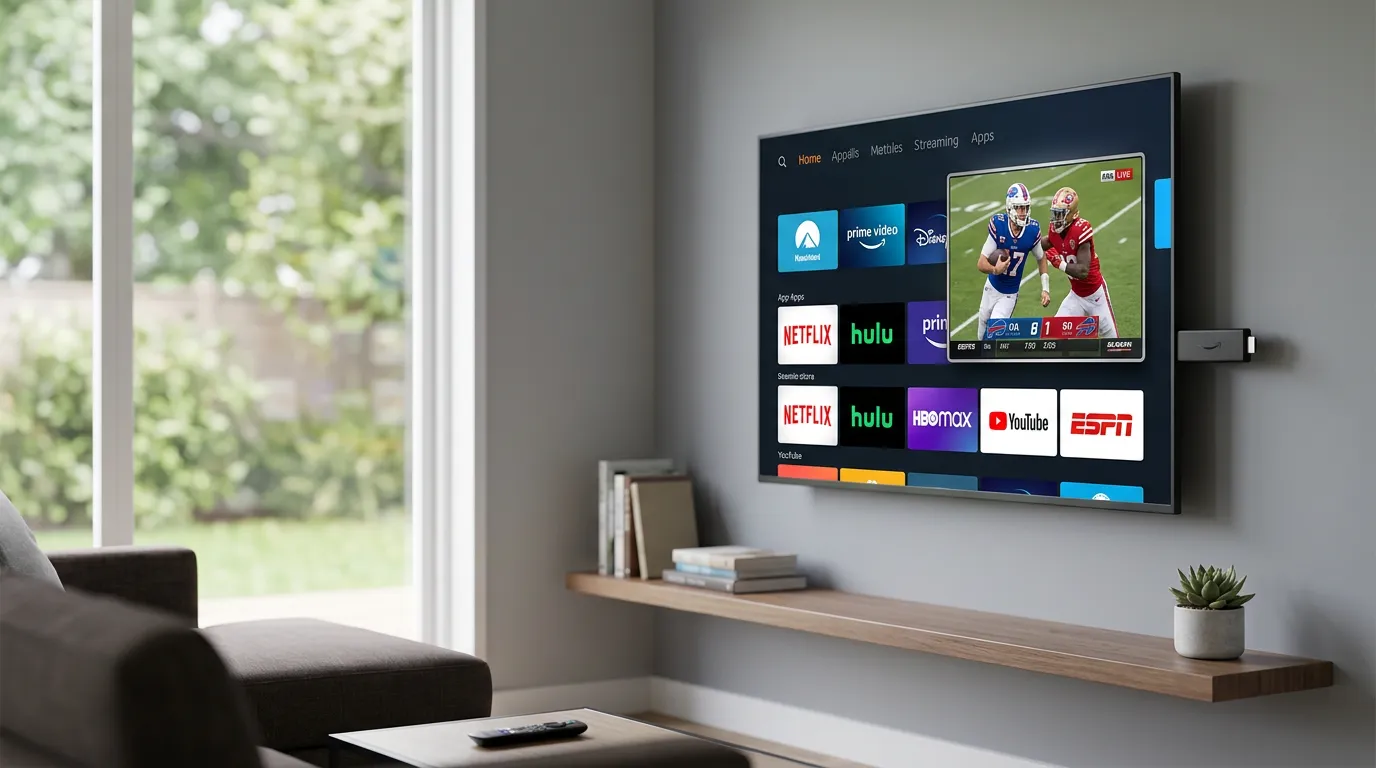
Set up Luno IPTV on your Amazon Fire Stick in under 5 minutes. Full 4K Ultra HD support on Fire Stick 4K, 4K Max, and Fire TV Cube.
Setup Guide
Go to Fire Stick Settings > My Fire TV > Developer Options > Enable 'Apps from Unknown Sources'. This takes about 30 seconds and only needs to be done once.
Search for 'Downloader' in the Amazon Appstore. It's a free app from AFTVnews. Install it and open it.
In Downloader, enter the URL for IBO Player Pro APK (provided in your welcome email). Install takes under a minute on any Fire Stick model.
Open IBO Player Pro, select 'Login with Xtream Codes', then enter your Luno IPTV username, password, and server URL. These come in your activation email immediately after purchase or trial signup.
Channels load automatically. Browse by category, set favorites, and use the built-in EPG (TV Guide) to see what's on. Voice search via Alexa works with IBO Player Pro on Fire Stick 4K Max.
Why Fire Stick is Great for IPTV
- Fire Stick 4K and 4K Max both support 4K Ultra HD at 60fps for sports
- Alexa voice control lets you say 'show me NFL channels' to navigate
- Portable design means you can take your IPTV service to any hotel TV
- Fire TV Cube adds hands-free control and faster processor for no-buffer 4K
- TiviMate is an alternative to IBO Player Pro and often preferred for its EPG interface
Fire Stick IPTV - Common Questions
Install the Downloader app from the Amazon Appstore, enable 'Unknown Sources' in Developer Options, then use Downloader to install IBO Player Pro APK. Enter your Luno IPTV Xtream Codes credentials and you're watching in under 5 minutes.
IBO Player Pro and TiviMate are the two best options. IBO Player Pro is free and handles all 26,000+ channels well. TiviMate ($4.99/year) has a better EPG and channel-switching experience. Sports fans tend to prefer TiviMate.
No. A standard Fire Stick (3rd gen) streams in HD up to 1080p without any issues. For 4K Ultra HD, you need the Fire Stick 4K or 4K Max. The 4K Max also supports WiFi 6, which means faster loading on compatible routers.
First, move your Fire Stick closer to your WiFi router, or use a WiFi extender. Second, in IBO Player Pro or TiviMate, lower the buffer size in settings. Third, if you're on Fire Stick 4K Max, enable WiFi 6 mode. Most buffering issues resolve with the Ethernet adapter ($15 on Amazon) for the Fire Stick.
Yes on Fire Stick 4K Max and Fire TV Cube. You can say 'Alexa, open IBO Player Pro' to launch the app. Channel navigation within the app uses the remote, but Alexa handles app launching and Fire TV system controls.
Fire Stick 2nd gen and earlier have limited RAM and older processors that can cause slowdowns. The 3rd gen Fire Stick is the minimum we recommend. Fire Stick 4K and newer run all IPTV apps without issues.
Fire Stick Model Comparison for IPTV
Not all Fire Sticks are equal. Here's what each model supports for IPTV streaming.
| Model | Max Resolution | 4K Support | Processor | Best For |
|---|---|---|---|---|
| Fire Stick (3rd gen) | 1080p HD | No | Quad-core 1.7 GHz | HD streaming, older TVs |
| Fire Stick 4K | 4K Ultra HD | Yes | Quad-core 1.7 GHz | 4K streaming on budget |
| Fire Stick 4K Max | 4K Ultra HD | Yes | Quad-core 1.8 GHz | 4K + WiFi 6 speed |
| Fire TV Cube (3rd gen) | 4K Ultra HD | Yes | Octa-core 2.0 GHz | Fastest, hands-free IPTV |
What You Need Before Setup
- Amazon Fire Stick plugged into your TV's HDMI port
- Active WiFi connection (25 Mbps minimum, 50 Mbps for 4K)
- Amazon account for downloading the Downloader app
- Luno IPTV trial or subscription (get yours in 2 minutes)
- Activation email with your username, password, and server URL
TiviMate vs IBO Player Pro on Fire Stick
Both apps work great. TiviMate has a better EPG (TV guide) layout and smoother channel switching. IBO Player Pro is free and works fine for most users. TiviMate costs $4.99/year but sports fans who watch multiple games simultaneously prefer it.